
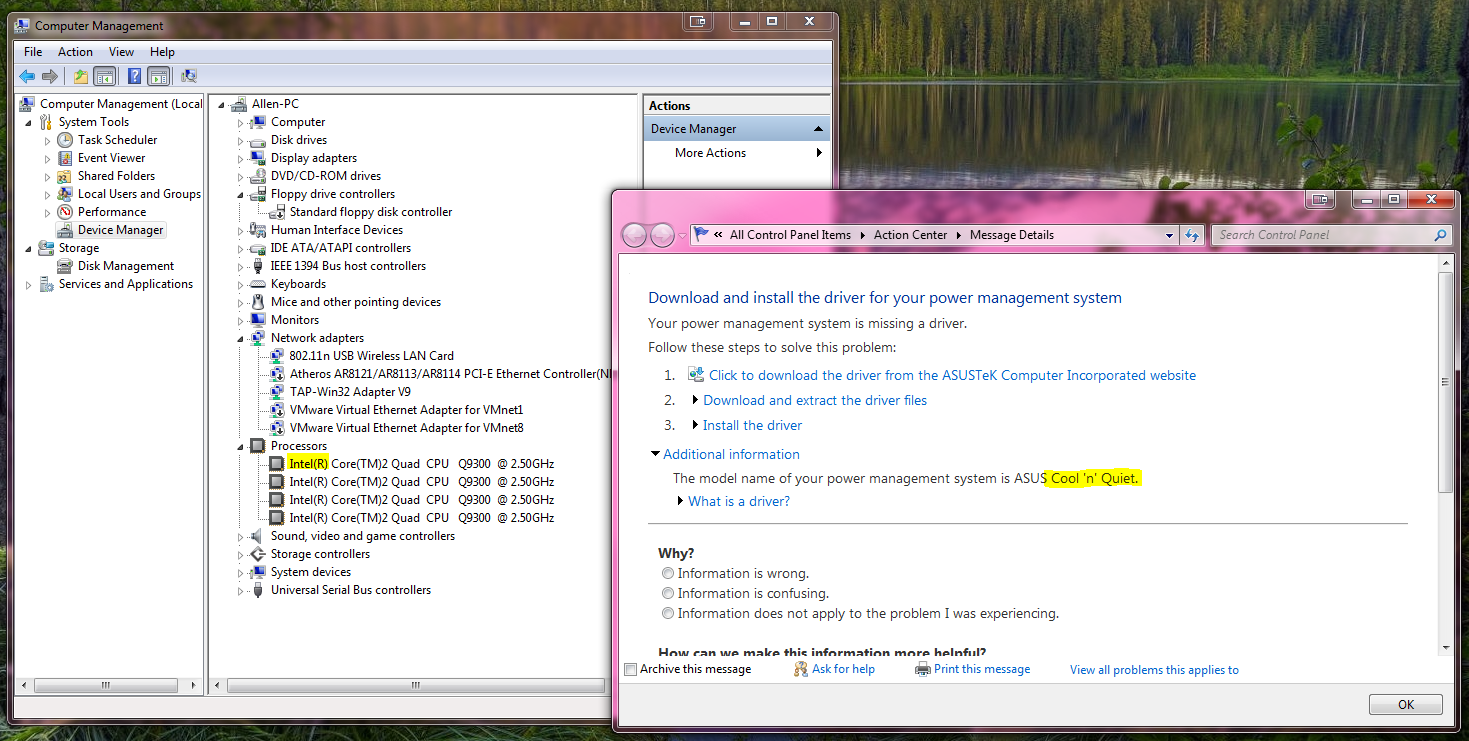
Should I install AMD Cool ' n' Quiet for Intel CPU as Win7 recommendation? Hah.
Gossip1 min read
Should I install AMD Cool ' n' Quiet for Intel CPU as Win7 recommendation? Hah.
Gossip1 min read
經過了幾天的掙扎後,今天電腦終於是無法開機了。
經過了2小時的各種折騰後,終於發現是一條內存的問題。
一條帶散熱片的KINGSTON……
於是內存3缺1,又不能3條工作,只能2條先用了。只剩下一半內存(4G),就沒辦法一邊WoW一邊開VM了呀。
於是漫長的等待——7-15天,開始了。
Gossip1 min read
是时候换个主题了。。。
CentOSVMWare vSphere1 min read
1 Create a new VM as you wish. Install CentOS6 with minimal configuration. After installation, shutdown the VM.
shutdown –h now
2 Add a new E1000 network interface card (eth1 in this article, if not, change all related steps below).
3 Boot and login.
4 Setup a temporary network:
ifconfig eth1 <temporary ip> netmask <netmask> up
route add default gw <gateway>
vi /etc/yum.conf
and add these lines:
# The proxy server - proxy server:port number
proxy=http://mycache.mydomain.com:3128
# The account details for yum connections
proxy_username=yum-user
proxy_password=qwerty
5 Install perl, and update system.
yum install perl
yum update
6 Shutdown.
shutdown –h now
7 Remove the E1000 network interface card, which was inserted in step 2.
8 Boot and login.
9 Insert VMware Tools CD.
10 Install VMware Tools, and reboot. (NOTE: you may need to do this step every time after system update)
cd /
mount /dev/cdrom /media
tar –zvxf /media/VM*
cd vmware-tools-distrib/
./vmware-install.pl
follow the instructions on your screen.
umount /media
reboot
11 Wait for reboot and login.
12 Setup eth0
vi /etc/sysconfig/network-scripts/ifcfg-eth0
and add these lines:
ONBOOT=yes
BOOTPROTO=dhcp
IPADDR=<IP>
NETMASK=255.255.255.0
BOOTPROTO=none
13 Setup DNS.
vi /etc/resolv.conf
and add these lines:
nameserver <1st DNS IP>
nameserver <2nd DNS IP>
domain <domain name> #your domain name, optional
14 Setup route.
vi /etc/sysconfig/network
and add these lines:
NETWORKING=yes
HOSTNAME=<value>
GATEWAY=<Gateway IP>
GATEWAYDEV=eth0
15 Reboot.
reboot
16 Disable SELINUX if you don’t like it.
vi /etc/sysconfig/selinux
find the line start with SELINUX=, and set it to disabled.
SELINUX=disabled
Mixing Product1 min read
dotNet Product1 min read
A new Invoke Helper is added for making it easier with creating subscribers for UI updating job, by calling Invoke method internally.
See Chorus page for more information.
Mixing Product1 min read