Archive: 2016

IoTMicrosoft dotNet1 min read

Div dynamic loading is not supported in Windows IoT (yet?)

Hi. I built an ASP.net side powered by SignalR recently. The function is easy that dynamically load from a URL provided from SignalR into a div from browser side. It works like a charm in IE, Edge and Chrome. The JavaScript written in the web page is simple:

  • SignalR 2.2.0 and jQuery 2.2.3 are selected;
  • Connect SignalR at beginning;
  • When SignalR disconnected, reconnect;
  • When SignalR event raised, call one method to pull the data from URL specified and set as content of a div; and,
  • Call the method mentioned above at beginning to load the initialization data.

Then, I need to do the same thing in one Raspberry Pi 3. I choose Windows IoT with UWP to build the basis. UWP app is quite easy, only one WebView control is embedded with the starting URL set to the page of that ASP.net website. According to only Insider Preview version can support Raspberry Pi 3, build 14295 is selected, which is the latest one can be found from official site.

After this app deployed and started in Raspberry Pi 3, it acts quite different. The initialization data is shown without any problem. But no more SignalR event is proceeded. By debugging on the server side, SignalR OnConnected, OnDisconnected and OnReconnected are called repeatedly and frequently.

Due to no more information can be grabbed from app running in Raspberry Pi 3, I have no clue at first. The good thing is I made a similar solution before. The only difference between these 2 apps, is the previous one use iframe instead of div. Despite of no reason observed, after I change the div into iframe and make the data surrounded by html and body tags which filling div previously , the problem vanishes away.
Windows1 min read

Office 2013/2016 Activation Issue with Windows 7 deployed by captured images

To make deployment more convenient, we use Windows Deployment Services in our company. All images related is not the originals. Usually, we install Office products into a clean Windows instance before capturing. That's is really a good way to save lots of time in every deployment.

The problem found is: if Office 2013/2016 is installed with Windows 7, even after sysprep run, the captured image is still not working well. If this image is deployed on another hardware, not the same one which is used to create this image, Office cannot be activated by KMS located in our company and error is 0x4004F00D.

To avoid that: At the very end before capturing, sysprep audit mode for example, run OSPPREARM.exe from Office folder to remove all data related to activation. This file can be found in "Program Files\Microsoft Office\OfficeXX". Of course, if Office 32bit is loved in 64bit OS, "Program Files (x86)" should be a good replacement.
After OSPPREARM run, you may want to run "cscript ospp.vbs /dcmid" from the same folder to check the result. "Not Found" displayed is predicted.

BTW, if Windows 10 is used instead, this step is not necessary at all.

IoTMicrosoft dotNet1 min read

UWP Developing: Don't forget the firewall on IoT devices

After I deploy my UDP based application to Raspberry Pi 2 running Windows IoT 10.0.10586, this application receives nothing, just like running in a normal Windows computer.

I guess that maybe something related to firewall, but:
1 There is no article related to target that. As the time I'm writing this post, googling "Windows IoT firewall" returns nothing related.
2 There is no page for firewall configuration in Windows IoT utilities site.

Fortunately, a test proved that there is a built in Windows IoT.
By using PowerShell connection, I send the netsh command to create an exception of firewall. It accepted and the my application started to receive package after then.

Related command for reference:
netsh advfirewall firewall add rule name="A name for this exception" dir=in action=allow protocol=UDP localport=12345

Hope this helps.

IoTMicrosoft dotNet1 min read

UWP Developing: Local network protocal stack issue

I'm working on developing a Universal Windows App (Windows 10 IoT) recently. My app includes a UDP server for receiving packages.

The issue I found is:
When the UWP running on local computer, the datagram sent by local console application cannot be received.

Normally, while developing a socket based network application, another application for making and sending test packages should be prepared. The problem is, for testing UWP application, either the tester should be prepared as UWP application, or this tester can only be used on another computer laying on the same network.

SharePoint1 min read

Warning: Do not apply MS16-004 / KB3114503 on SharePoint Server 2013

There is something wrong within this packaged launched and pushed by WSUS January 2016. Microsoft keeps telling us M$ has fired all testers, or should be.

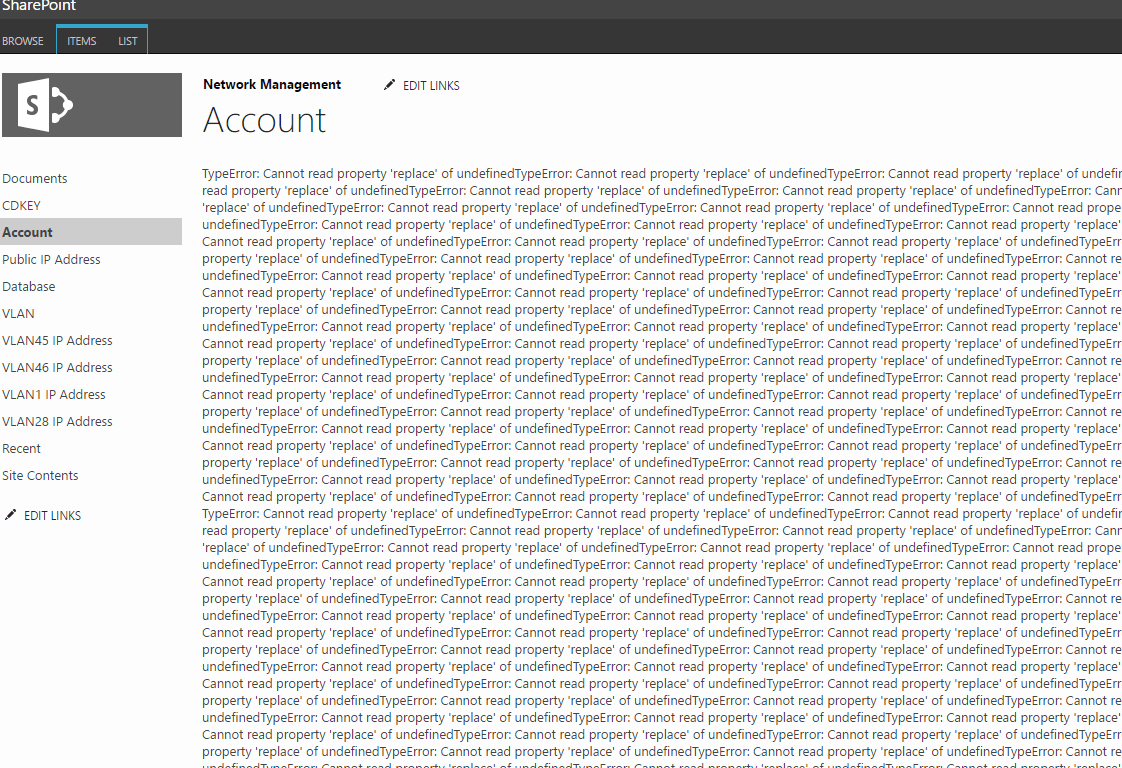
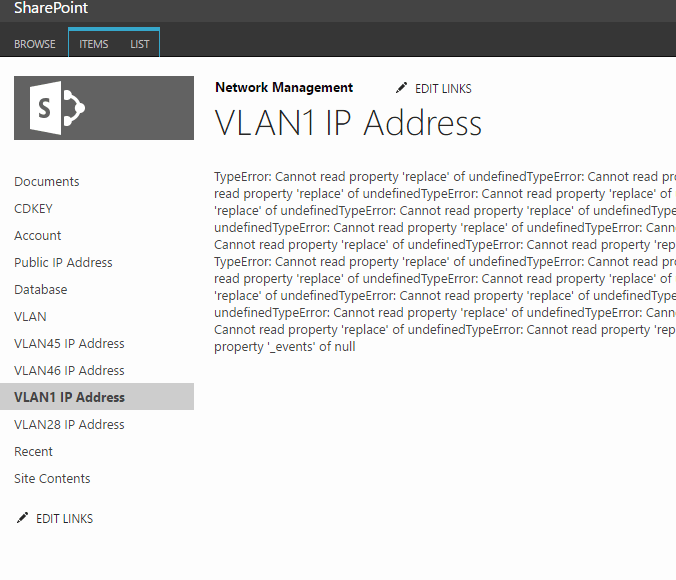
If you have installed this patch, all lists from all SharePoint sites will suck like this:


Lots of errors repeatly: typeError: Cannot read property 'replace' of undefined

The quick fix is remove the edit menu. And the final solution is applying January 2016 CU.

No matter MS16-004 / KB3114503 is installed or not, you may want to install the January 2016 CU. Therefore, it's not necessary to apply this package IMHO.